
.png)



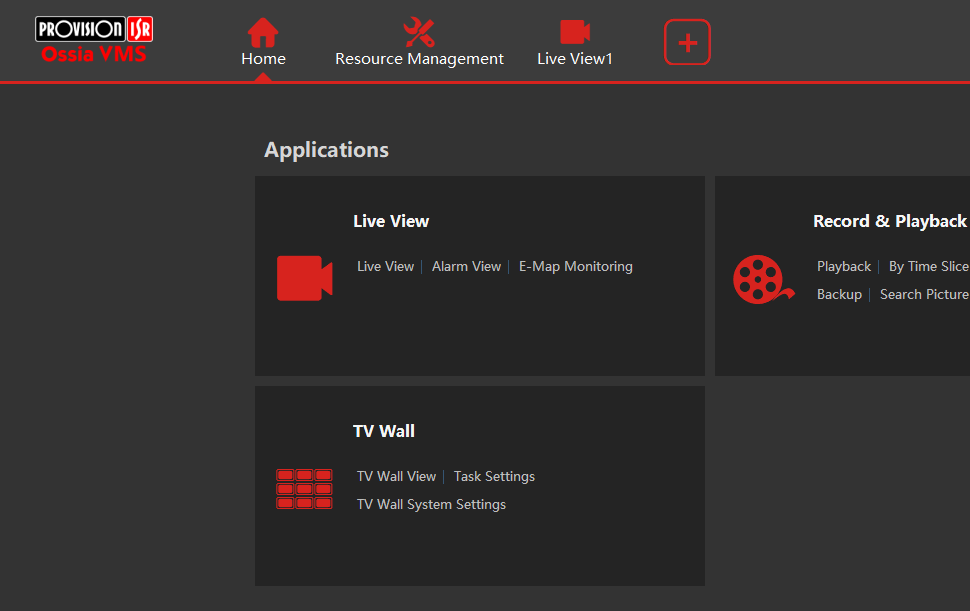
- Make sure you are on the home tab and click on Add, Edit or Delete Device. (Found under Configuration Management)
- Click the Add Button
- Click on the Manually Add Tab

- Click on IP Address

- Click on the Drop down arrow and choose Serial Number

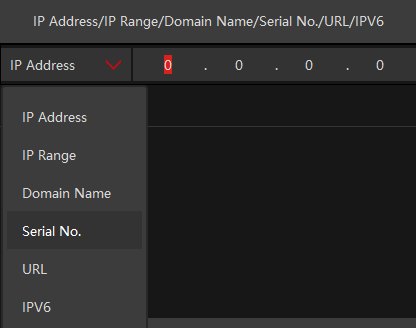
- Enter the serial number found below the QR code on top of your NVR recorder and enter your username and password.

- Click OK, then go to Live View.
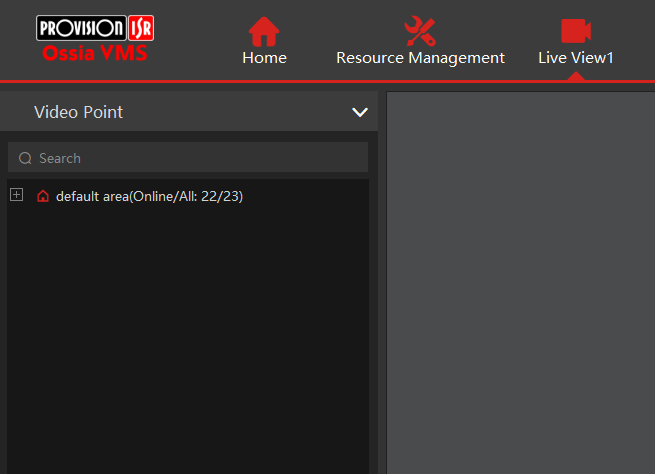
- Your cameras will be on the left, press the plus icon to expand the list.
.png)


